Free Online Diary & Private Journal
Write daily entries with mood tracker, tags, and prompts. 100% private, auto-saved in your browser. Export to beautiful PDF with one click.
Start Writing Now ↓How to Use the Online Diary
Create a New Entry
Click the + New Entry button in the sidebar. A fresh page opens with today's date pre-filled. Give it a title or leave it blank — it's your diary, your rules.
Set Your Mood & Tags
Pick an emoji mood from the dropdown (Happy, Sad, Anxious, Excited…) and add keyword tags like "work", "travel" or "family" to organize your entries over time.
Write Freely
Use the writing area to express your thoughts. Format text with the toolbar, or click ✨ Prompt for a writing prompt if you're not sure where to start.
Save & Reflect
Entries auto-save as you type. Browse past entries in the sidebar, filter by mood, or search keywords to revisit memories and track your emotional journey.
Export Your Diary
Use ⬇ PDF to download all your diary entries as Pdf file — perfect for backup, printing or sharing a chapter of your life.
Build a Streak
The streak counter at the bottom tracks how many consecutive days you've written. Build healthy journaling habits and watch your streak grow! 🔥
Turn Your Online Diary into a Beautiful PDF
Your online journal deserves to be kept forever. With one click, export any entry as a styled PDF — perfect for printing, archiving, or sharing a chapter of your life. Free online diary • secret diary online free • internet diary
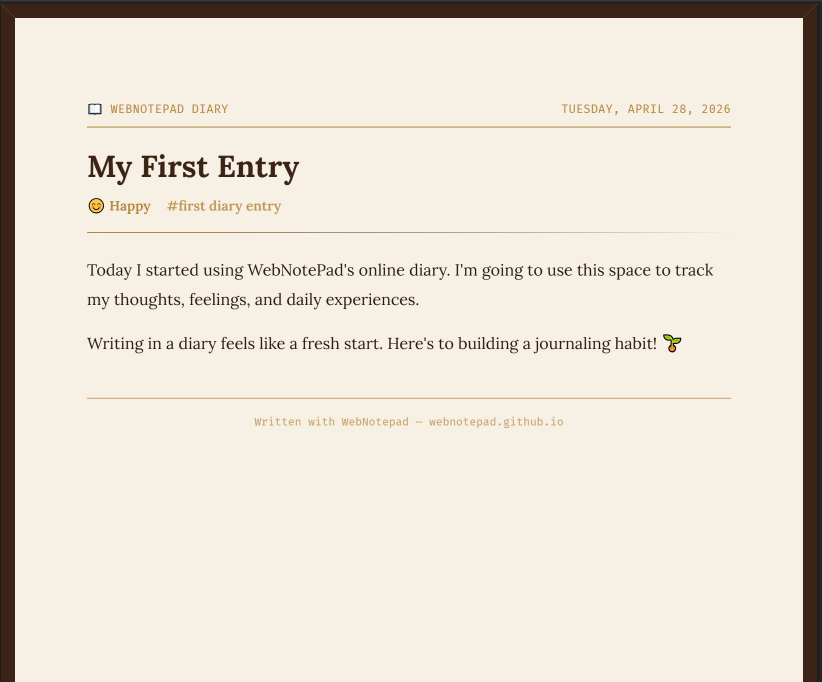
📄 One‑Click PDF
Export any diary entry as a polished PDF. Choose from multiple journal‑style templates.
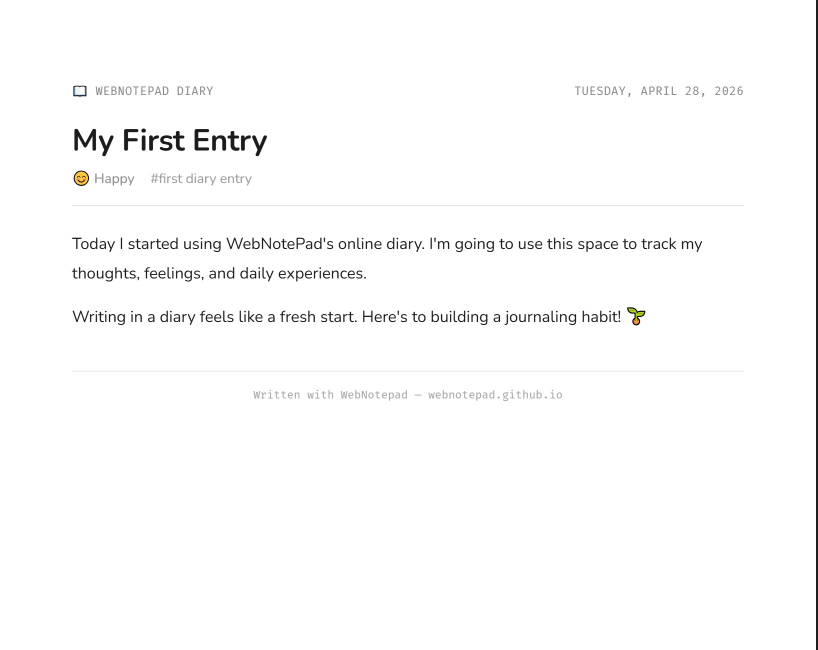
🎨 Styled Templates
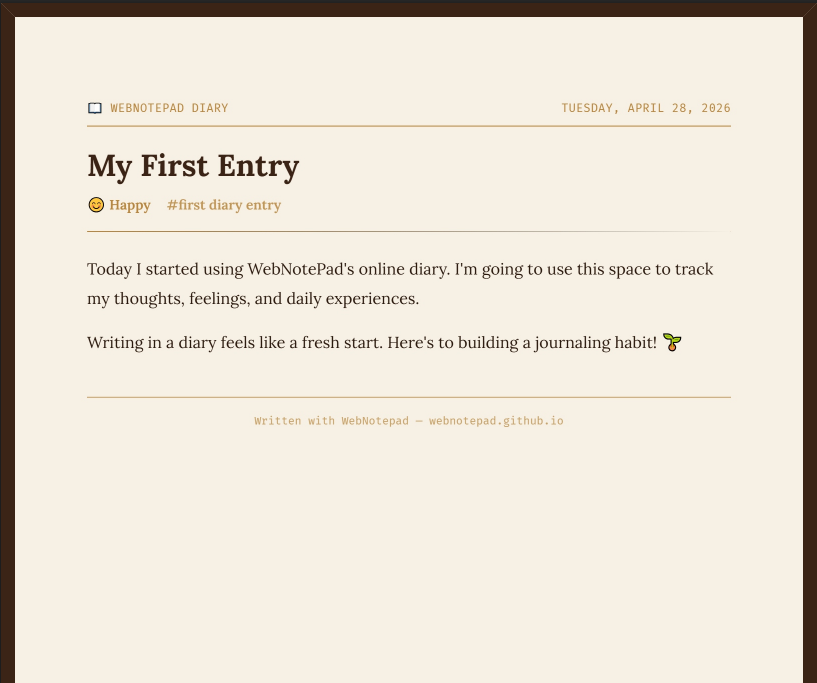
Pick a warm, minimalist, or classic layout — your online diary looks great in print.
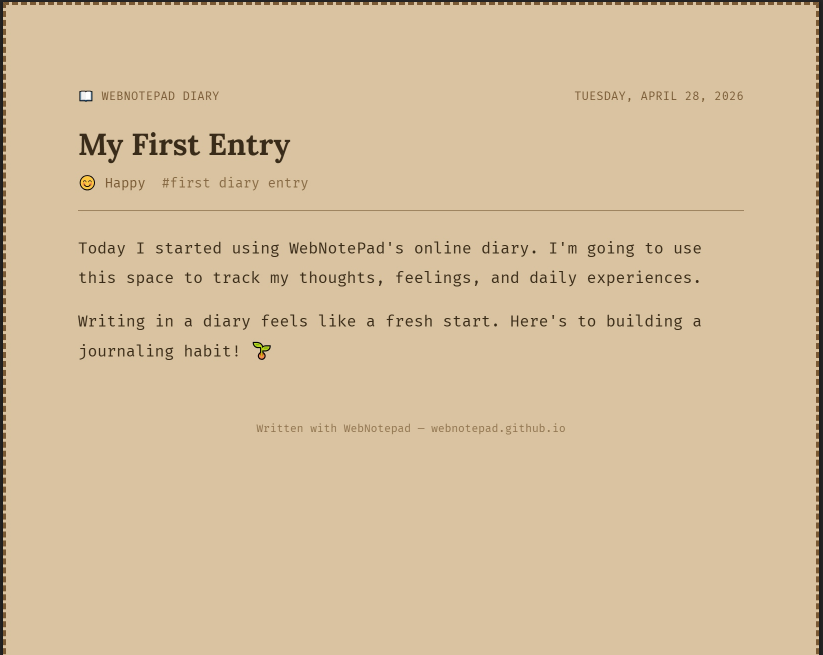
🔒 Private & Secure
PDF generation happens entirely in your browser — nothing is sent to any server. True internet diary privacy.
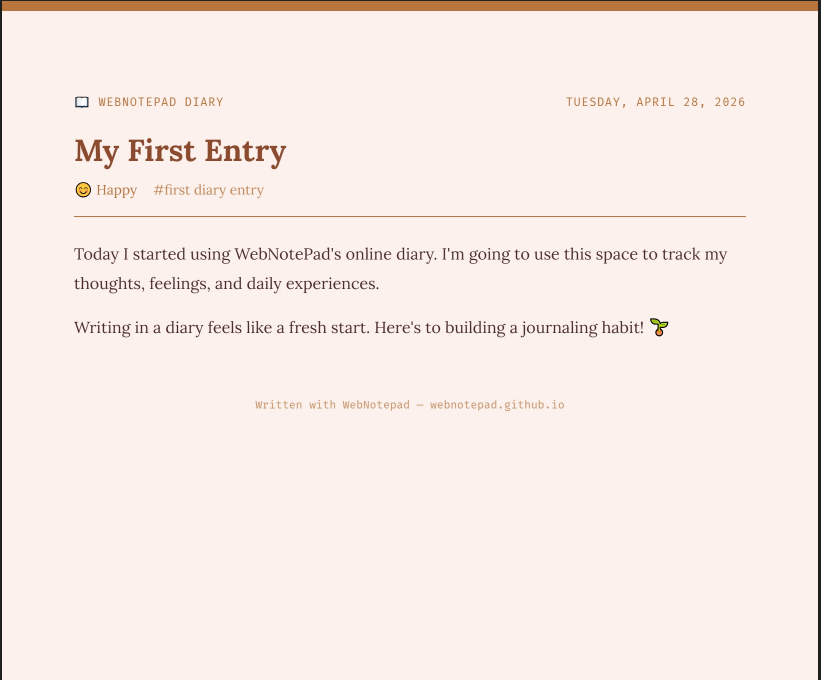
📖 Archive Your Story
Keep a permanent copy of your online diaries. Print, share, or save for future reflection.
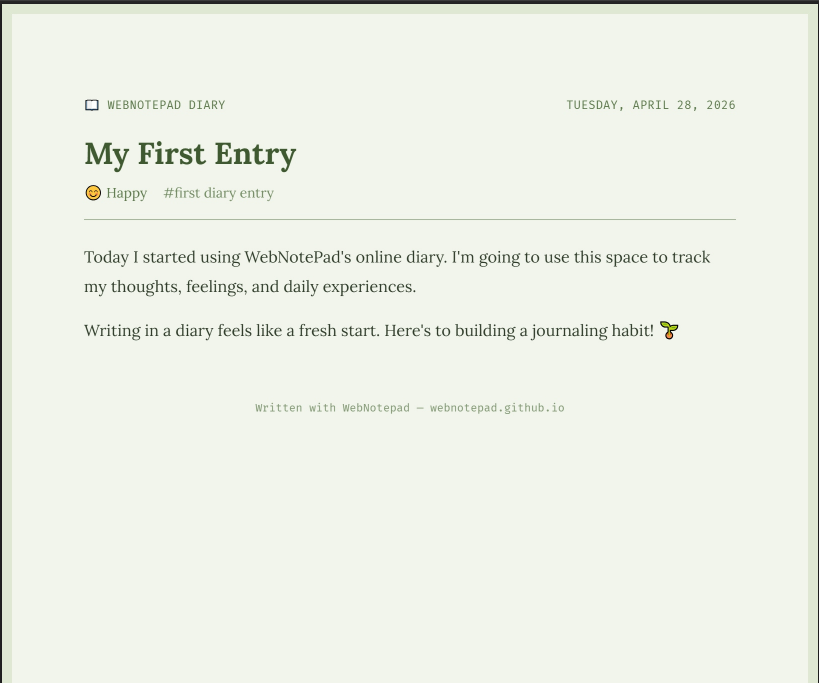
🖨️ Print‑Friendly
Your free online diary entries are formatted for clean, beautiful printing — no clutter.
📱 Mobile‑Ready
Export from any device. Whether you use a secret diary online free on your phone or desktop, PDFs look stunning.
Your Free Private Online Diary
An online diary is a personal digital space where you record your thoughts, experiences, feelings and reflections. Unlike a physical notebook, a digital diary lets you search years of entries in seconds, never runs out of pages, and is always with you wherever you have a browser.
WebNotePad's online diary app stores everything in your browser's local storage — meaning your entries never touch a server and remain 100% private. There is no account to create, no email to verify, no subscription to manage. Just open the page and write. Save precious moments as a beautiful pdf file.
Research consistently shows that regular journaling reduces stress and anxiety, improves self-awareness, boosts memory, and helps process difficult emotions. The simple act of writing things down gives your thoughts structure and your feelings a safe outlet.
Frequently Asked Questions
Yes, completely. All diary entries are saved only in your browser's local storage on your device. Nothing is ever sent to any server. Even we cannot read your diary. Your thoughts are yours alone.
If you clear your browser's site data or local storage, you will lose your entries. We strongly recommend using the ⬇ Export button regularly to download a backup of your diary as an HTML file.
Yes! Use the search bar in the sidebar to search across all your entries by keyword, title, or content. You can also filter by mood to see all entries where you felt a specific emotion.
A writing prompt is a question or sentence starter to help you begin writing when you don't know what to say. Click the ✨ Prompt button in the toolbar to get a random prompt like "What made you smile today?" or "Describe a challenge you overcame this week."
To save a diary entry as a PDF, simply open the entry you wish to export and click the "Save as PDF" button located in the entry's toolbar. The app will instantly generate a beautifully styled, print-ready PDF document that you can download, print, or archive. This process happens entirely in your browser, so your private entries remain secure.
The streak tracker counts how many consecutive days you have written at least one diary entry. Writing every day increases your streak. Missing a day resets it to zero — so keep the habit going!
Absolutely. The online diary is fully mobile-responsive and works on any smartphone or tablet browser including Safari on iOS and Chrome on Android.
There is no fixed limit on the number of entries. The only constraint is your browser's local storage capacity, which is typically 5–10 MB — enough for thousands of diary entries.