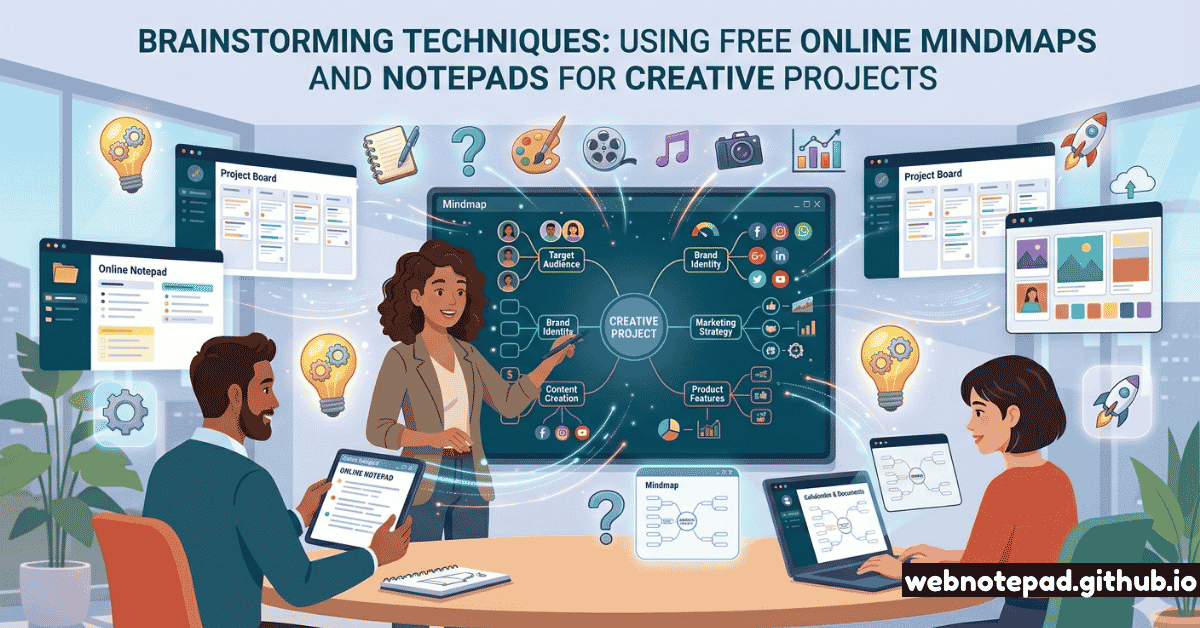
The blank page and the blank canvas share one thing: both are more intimidating than they should be. The real obstacle to creative work isn't a lack of ideas — it's a lack of method for generating and organizing them. Unstructured thinking tends to circle familiar ground. Structured brainstorming breaks that loop.
What makes 2026's creative toolkit different from any decade before is this: you can run sophisticated, research-validated brainstorming frameworks in a browser window, for free, with no software to install and nothing to configure. A free online notepad and a free online mind map — open side by side — constitute one of the most capable creative thinking environments available.
Here are five techniques, each with specific instructions for using these tools to run them.
Mind Mapping — Visual Idea Expansion
Mind mapping is the most versatile brainstorming technique available — and the one where having a dedicated digital tool makes the biggest difference. Invented and popularized by Tony Buzan in the 1970s, mind mapping works by externalizing your associative thinking into a visual structure that mirrors how the brain actually stores information: as a network, not a list.
How to run it:
Place your core idea at the center
Open the mind map tool, double-click the canvas, and type your project's central concept — "New Product Launch," "Novel Chapter 3," "Marketing Campaign Q3," whatever you're working on. Keep it short: 2–4 words.
Generate first-level branches rapidly
Double-click the central node to add child branches. In the first 5 minutes, don't evaluate — just generate. Every major dimension, concern, or component you can think of gets its own branch. Aim for at least 6 first-level branches.
Color-code by theme
Select each first-level branch and assign it a distinct color using the toolbar's color picker. Color-coding is not cosmetic — it activates the right hemisphere's pattern recognition, making the map easier to scan and recall.
Expand the most fertile branches
After 10 minutes, you'll notice some branches feel "alive" — they generate ideas easily. Follow those. Add second and third-level nodes. Collapse branches that feel dead. The map should feel like it's growing in the direction of most energy.
Export and transfer to your notepad
When the map feels complete (not perfect — complete), export it as a PNG. Then open your notepad and write a linear action list from the map's most important nodes. The map gave you breadth; the list gives you next steps.
Build color-coded visual mind maps in your browser. Add nodes, drag to rearrange, export as PNG. No account needed.
Open Mind Map →Brain Dump — Total Idea Capture
A brain dump is exactly what it sounds like: you empty your mind entirely onto a page, without judgment, without filtering, without stopping. Where mind mapping is spatial and structured, a brain dump is linear and raw. It's the technique for when you're stuck, overwhelmed, or simply don't know where to start.
The online notepad is ideal for brain dumps because it has no formatting temptations, no word count anxiety, and no interface to wrestle with. It's just you and the cursor, blinking.
The 10-minute brain dump protocol:
- Open a new note. Title it "BRAIN DUMP — [date] — [project]".
- Set a timer for 10 minutes.
- Write everything in your head related to the project. Ideas, concerns, questions, random associations, things you've read, things you need to do, things that scare you about it. Write in fragments. No sentences required.
- The only rule: do not stop typing until the timer ends. If you run out of things, write "I don't know what to write next" — something will follow.
- When the timer ends, read back through the dump with a highlighter mindset. Mark anything that surprises you, energizes you, or recurs multiple times.
- Transfer the highlighted items to a new note as a cleaned-up list. These are your real ideas.
Pair with mind mapping: Use your brain dump output as the raw material for a mind map. The dump gives you volume; the map gives you structure. Take your highlighted items from the dump and distribute them across mind map branches. Patterns and connections will emerge that were invisible in the linear list.
SCAMPER — Structured Creative Transformation
SCAMPER is a structured creativity framework developed by Alex Osborn (the inventor of brainstorming) and refined by Bob Eberle. It generates new ideas by systematically applying seven transformational questions to an existing concept, product, or problem. It's one of the most powerful techniques for creative projects with a defined subject — because it forces you to look at the same thing from seven fundamentally different angles.
How to run SCAMPER in your notepad: Open a new note and create a heading for each of the seven letters. Under each heading, write 3–5 responses to that question as it applies to your specific subject. Don't try to evaluate quality — generate volume first. A 45-minute SCAMPER session typically yields 20–40 idea fragments, of which 5–8 will be genuinely useful.
Create a new note with 7 sections (S-C-A-M-P-E-R), answer each question for your project, and export when done. The fastest way to get unstuck on any creative challenge.
Open Notepad →Reverse Brainstorming — Think Backwards to Go Forward
Reverse brainstorming is a cognitive judo technique: instead of asking "how do we solve this problem?", you ask "how could we make this problem worse?" The inversion unlocks ideas that direct questioning suppresses — because our brains are better at finding fault than at creative synthesis.
Here's the mechanism: your brain can generate 20 ways to make a bad product far more easily than 20 ways to make a great one. Once you have that list of "how to guarantee failure," you flip each item to find its inverse — and each inverse is a genuine creative recommendation you wouldn't have reached directly.
Running Reverse Brainstorming in your notepad:
Step 1: The Reverse Question
- "How could we make our users hate this?"
- "How could this blog post put everyone to sleep?"
- "What would guarantee this campaign fails?"
- "How could we make onboarding maximally frustrating?"
Step 2: Generate Freely
- Write 10–20 answers to the reverse question — the worse the better
- No judgment, no filtering. The more brutal, the more useful
- Bad answers are good: "make users wait 3 minutes to load"
- Go specific: "never explain what the product actually does"
Step 3: Flip Every Item
- "Never explain the product" → Always lead with the clearest possible value proposition
- "3-minute load time" → Optimize for sub-2-second first render
- "Bury the CTA at the bottom" → Make the CTA visible on first scroll
Step 4: Filter and Prioritize
- Not every flip will be useful — that's fine
- Highlight the 5–8 inversions that feel genuinely actionable
- Transfer to a mind map to see how they cluster into themes
Random Word Association — Forced Creative Connections
Random word association — also called "forced connections" — works by introducing a completely unrelated word or concept to your problem and forcing your brain to find connections between them. The randomness is the engine: it breaks your established mental patterns and compels novel associations that feel surprising and often genuinely useful.
This technique exploits what cognitive scientists call "bisociative thinking" — the collision of two unrelated frames of reference that produces the spark of creative insight. It's the mechanism behind most analogical reasoning: Apple is to computers as a seed is to growth. That unexpected pairing created decades of branding.
The Random Word Association Protocol:
- Define your challenge clearly in your notepad first. One sentence, specific: "We need a name for our mindfulness app for teenagers."
- Generate 5 random words. Open a dictionary to a random page, glance at the first noun on the page, and write it down. Repeat five times. Or use truly random words: telescope, anchor, cathedral, frost, pebble.
- For each random word, write 5 associations it suggests in relation to your challenge. Force the connection even when it feels absurd — "telescope: looking inward, magnifying small moments, distance, clarity, stars." How do those relate to a mindfulness app for teenagers?
- Capture the strongest associations — the ones that feel both surprising and apt — and transfer them to your mind map as new branches.
- Run combinations: What happens when you combine two of your strongest random associations? Some of the best creative ideas emerge from combining two unexpected concepts into a unified direction.
The Randomness Rule
The random word must be genuinely random — not secretly chosen because it feels relevant. The discomfort of "how on earth does 'anchor' relate to my app name?" is exactly where the creative work happens. If you choose comfortable words, you'll generate comfortable ideas. Discomfort is the point.
Combining Both Tools: The Two-Phase Creative Brainstorm
The most powerful creative workflow combines a notepad for capture and a mind map for organization in a deliberate two-phase sequence:
Phase 1: Divergent (Notepad)
Use the notepad for volume. Brain dump, SCAMPER, random association — all generate large quantities of raw ideas that need to be linear and fast. The notepad's frictionless interface enables quantity without judgment.
Phase 2: Convergent (Mind Map)
Use the mind map for structure. Transfer your best ideas from the notepad into a mind map that organizes them spatially, reveals relationships, and makes themes visible. The map turns volume into clarity.
This two-phase rhythm — generate then organize, expand then focus — mirrors the natural creative process described by Graham Wallas in 1926 and validated by decades of creativity research. The tools match the phases: speed and volume first (notepad), structure and selection second (mind map).
Which Technique for Which Project?
| Project Type | Start With | Then Use | Best Tool |
|---|---|---|---|
| New product/feature | Brain Dump | Mind Map + SCAMPER | NotepadMind Map |
| Content / article ideas | Random Word Association | Mind Map branches per idea | NotepadMind Map |
| Problem-solving | Reverse Brainstorming | SCAMPER on top solutions | Notepad |
| Project planning | Mind Map (scope) | Notepad (action list) | Mind Map |
| Creative writing | Brain Dump (free write) | Mind Map (plot/characters) | NotepadMind Map |
| Product naming | Random Word Association | Mind Map (name clusters) | NotepadMind Map |
| UX improvement | Reverse Brainstorming | Mind Map (experience map) | NotepadMind Map |
Every brainstorming technique is really just a different way to get your brain to stop repeating its default patterns. Mind mapping externalizes associations. Brain dumps remove the censor. SCAMPER applies systematic pressure. Reverse brainstorming inverts the problem. Random association breaks the frame. Pick the technique that disrupts your particular creative block — and use the simplest tools available to run it. A free browser tab is enough.
Your next creative project doesn't need better software. It needs a better process. Open your online notepad and your mind map side by side. Pick one technique. Set a timer. Start generating.
The ideas are already there. These techniques are just the tools to surface them.